More motion. Less overhead.
haus video returns to form with practical, cost-effective tools built on the platform itself: animated diagrams, publishing workflows, browser-rendered avatars, 3D device scenes, and a render fleet that scales with the work.
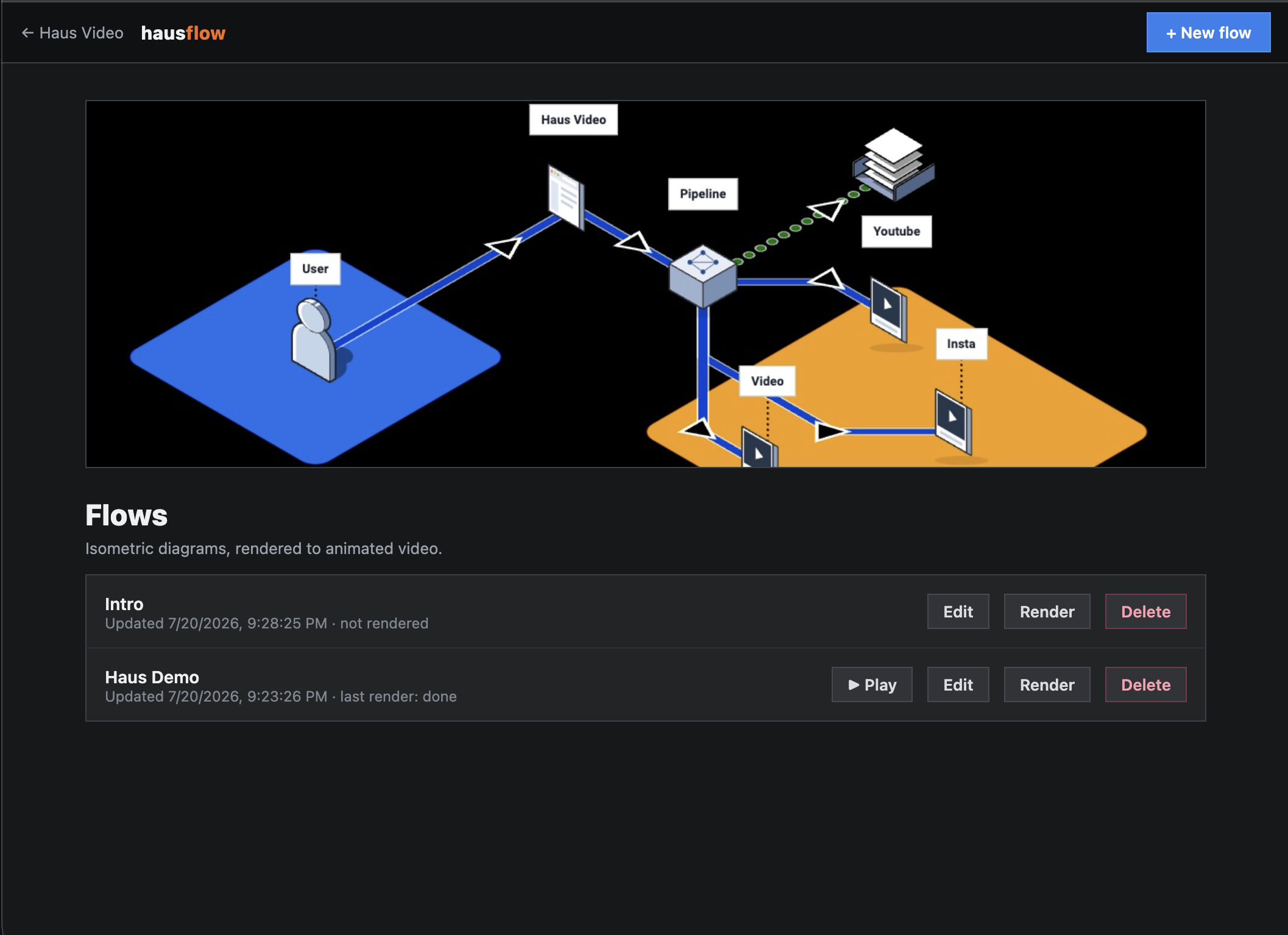
Beautiful flowcharts, built for video.
HausFlow is a diagramming tool for designing clear, beautiful flowcharts with isometric objects, labeled connections, color, and depth. But the finished diagram is only the starting point. Its real focus is turning that system into a directed video that reveals how the flow works over time.
A flowchart explains structure. A HausFlow video explains the journey.
Traditional diagramming products are designed around a static final image. HausFlow treats every node, connector, label, and region as part of a timeline. The camera can move through the diagram, pause on an important handoff, zoom into a decision, and follow an animated route from origin to outcome.
That video-first approach makes complex processes easier to present to an audience. Instead of asking viewers to scan an entire architecture at once, you control the order in which the system is understood. Render the result as a standalone video, use green-screen output as an overlay, or publish it back into haus video as an editable production asset.
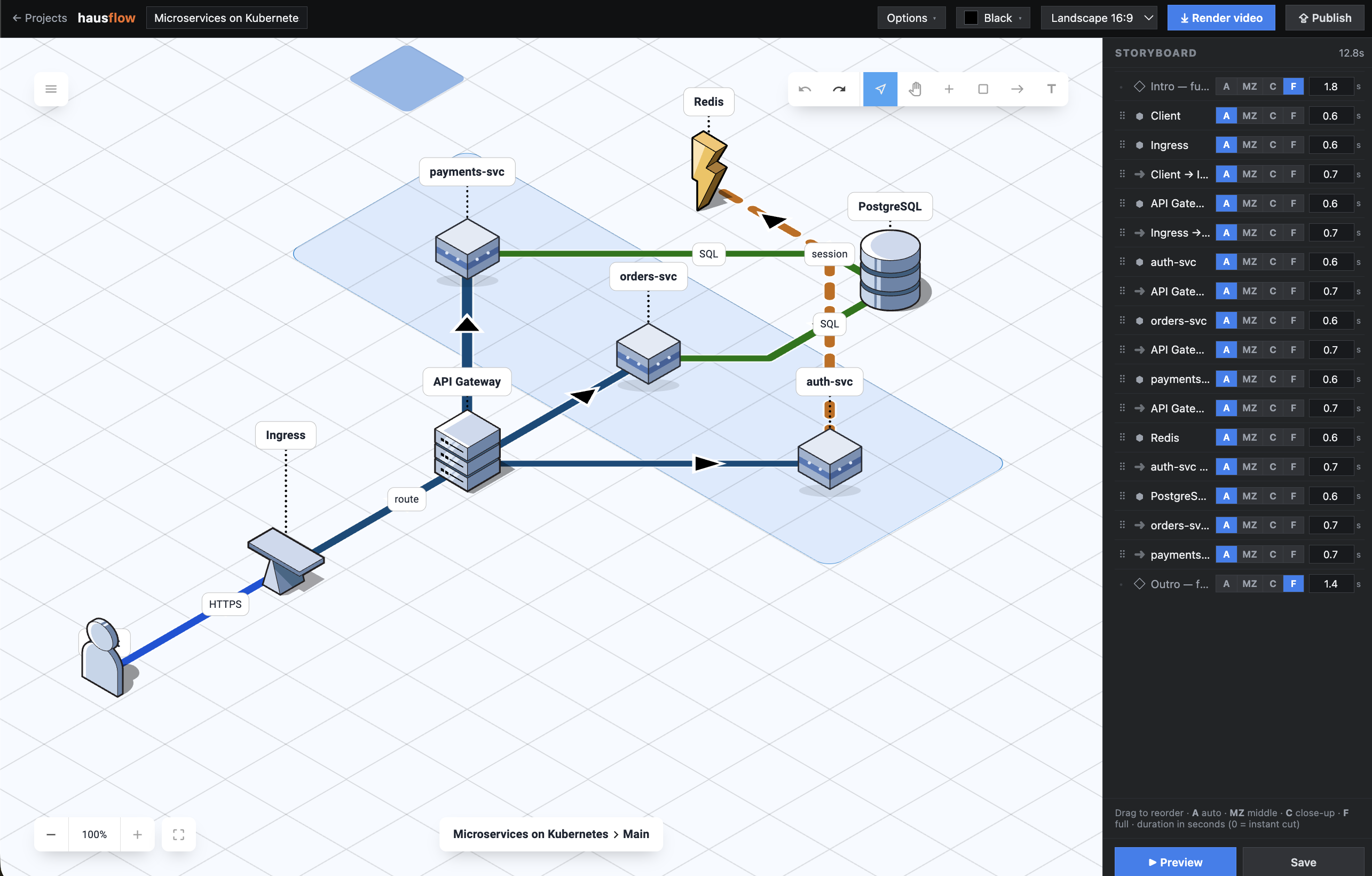
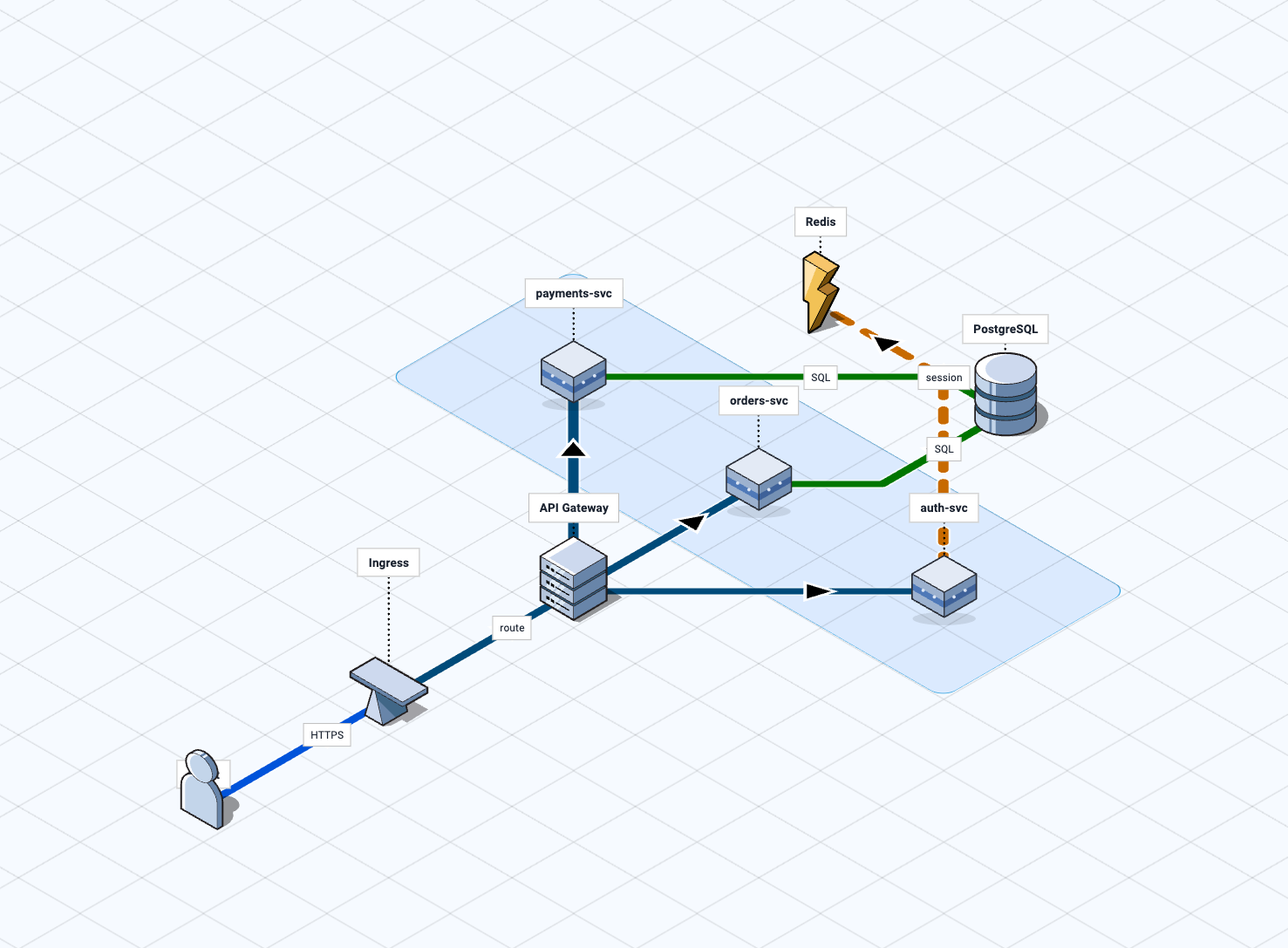
Design the system
Compose polished isometric diagrams with nodes, labels, paths, regions, colors, and clear visual hierarchy.
Direct the explanation
Use zooms, camera moves, timing, and animated arrows to guide the audience through the flow step by step.
Render real video
Export the animation, create a green-screen overlay, or return it to the editor as a reusable video asset.
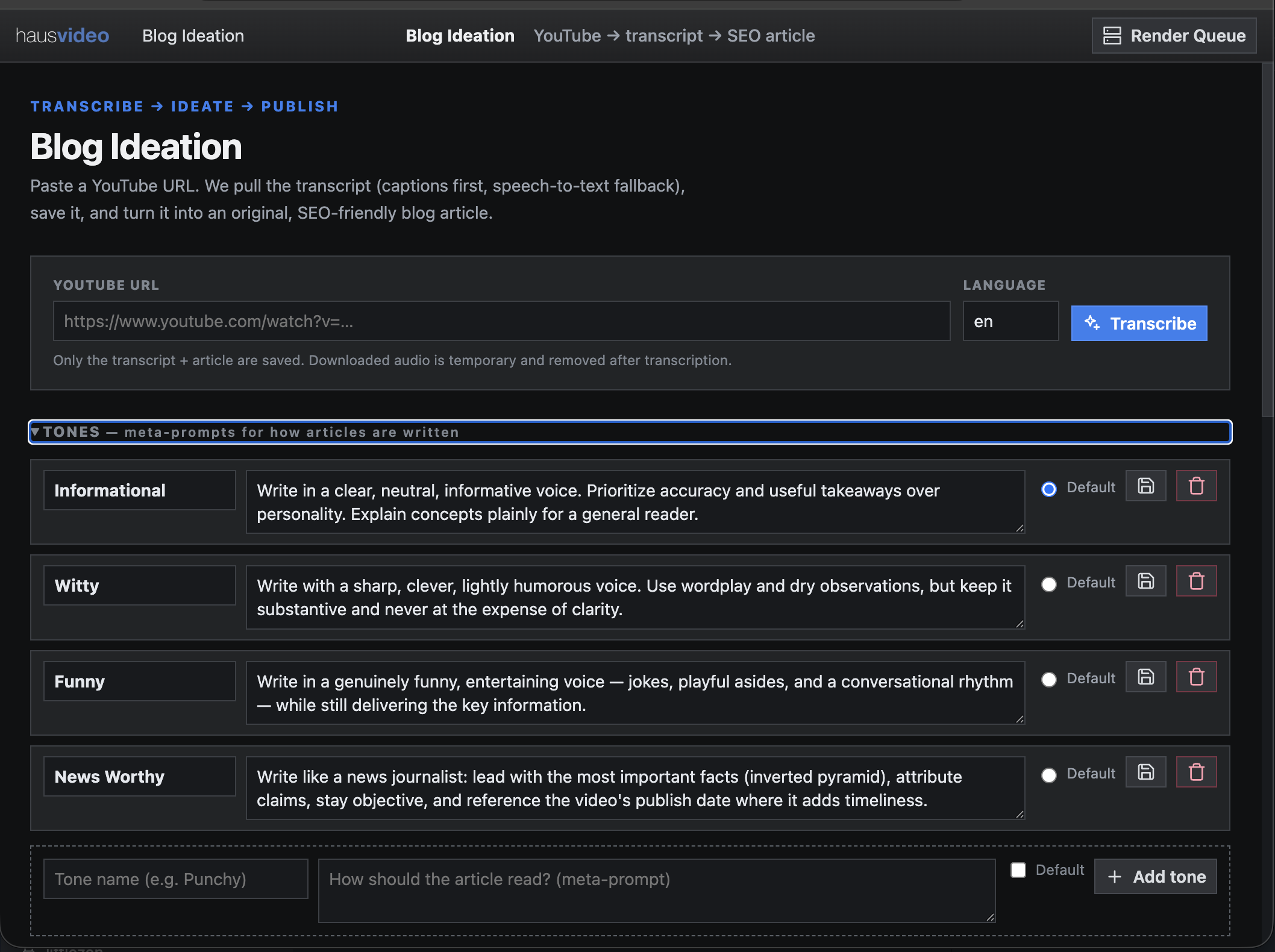
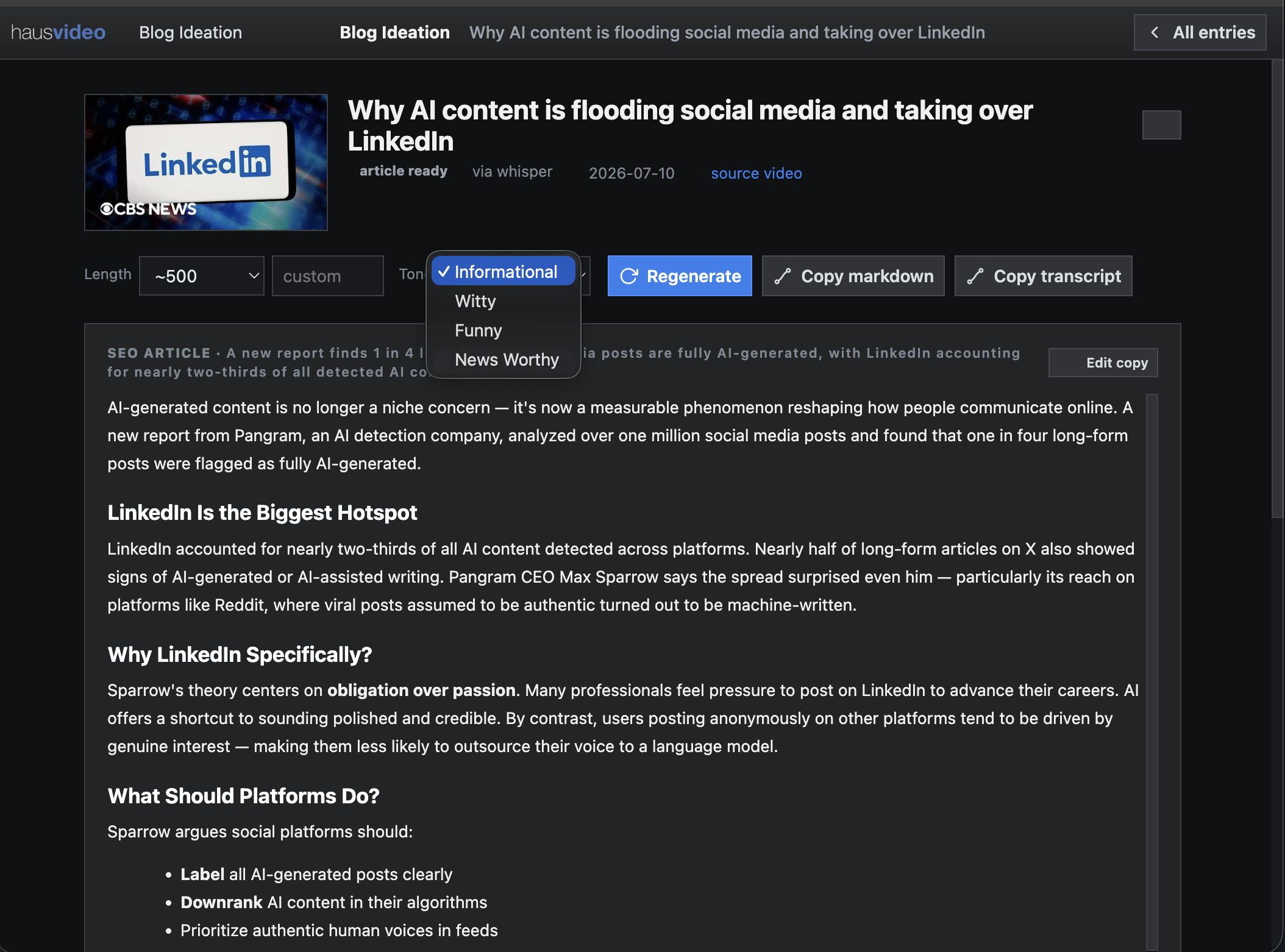
One video. A publishable article.
Paste a YouTube URL and haus video pulls the transcript, with speech-to-text fallback, then turns it into an original SEO-friendly article. Choose the length, define a house tone, revise, and copy clean Markdown into your CMS.
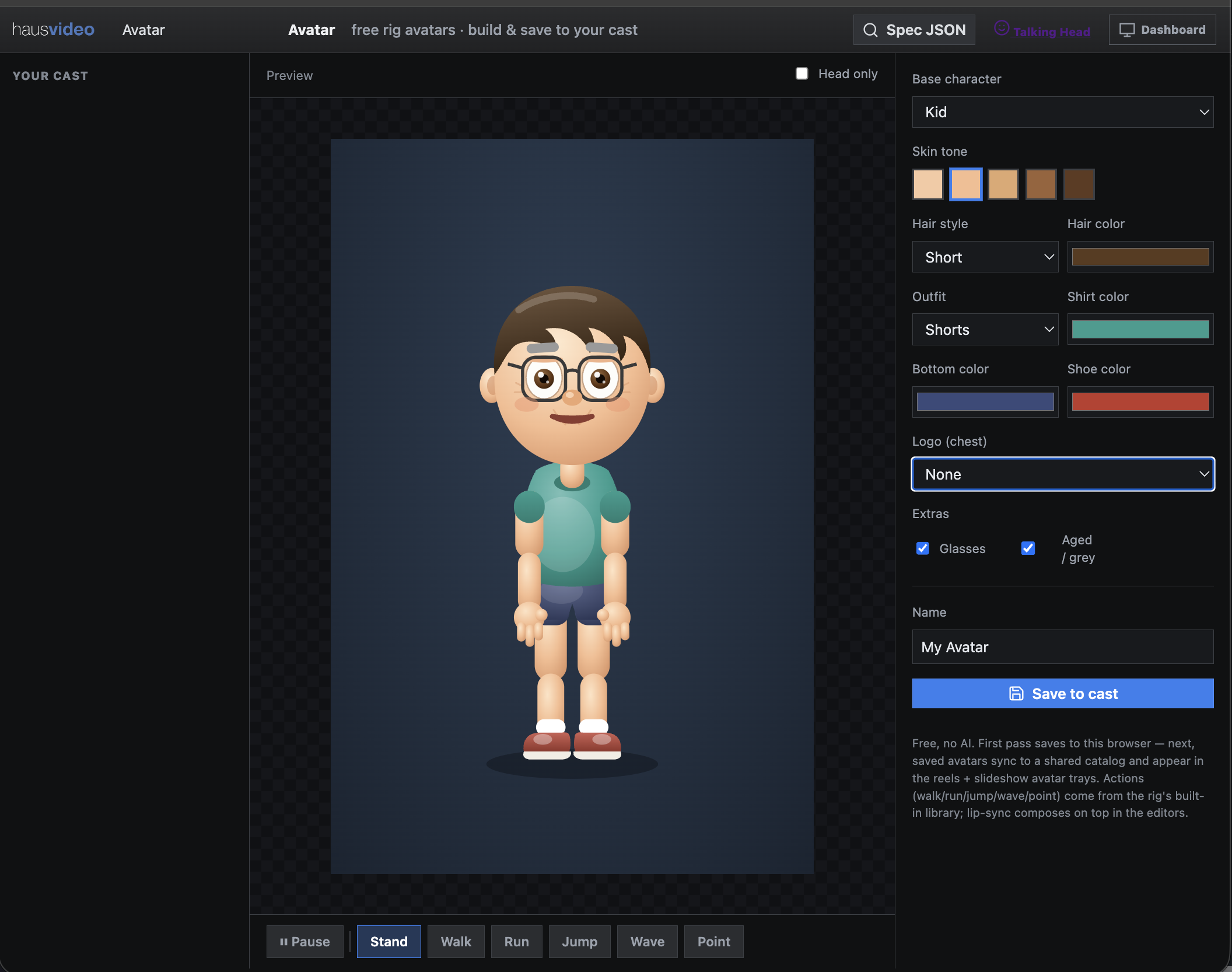
Characters without the AI tax.
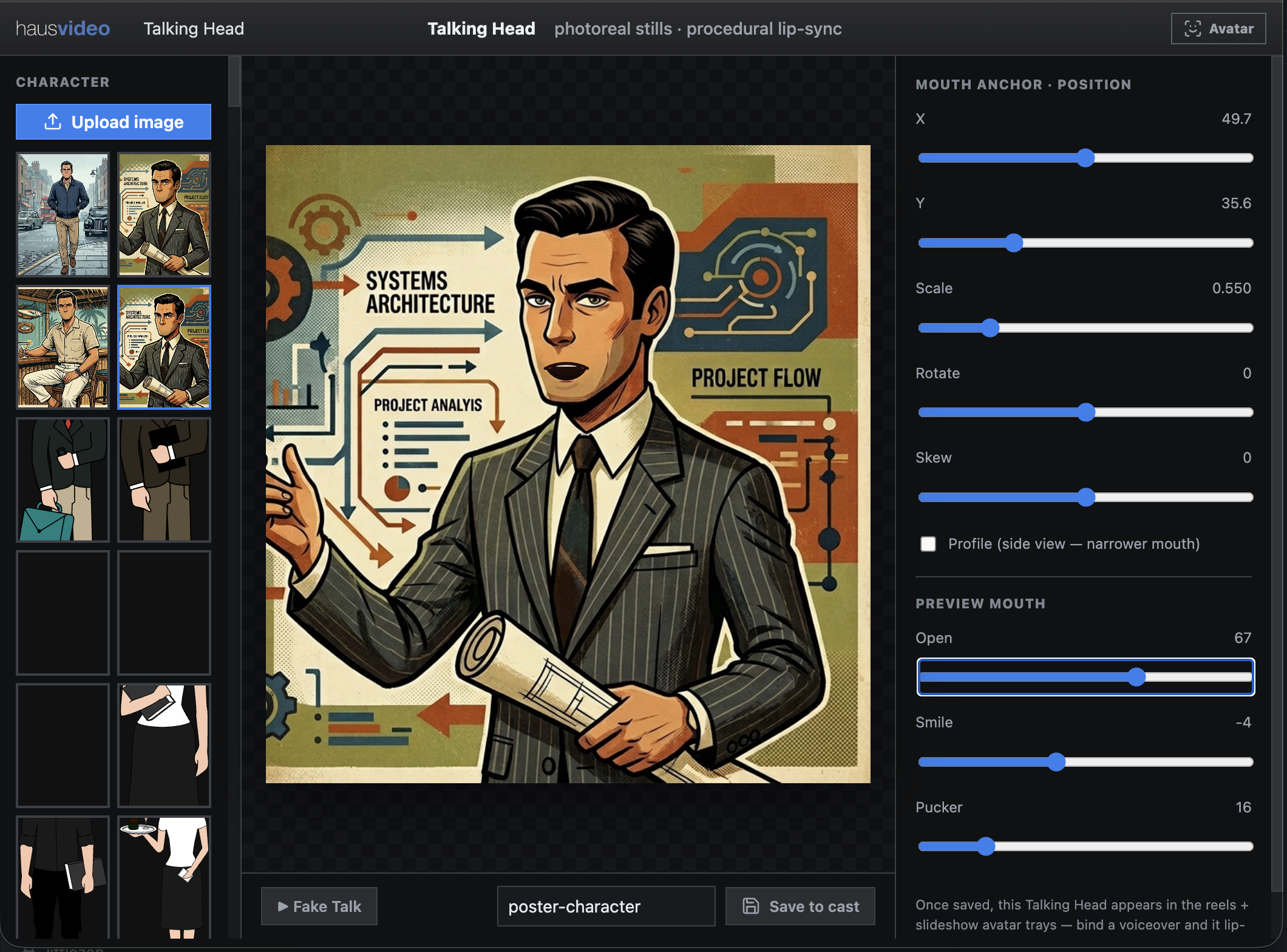
Build CSS and JavaScript avatars or upload a static 2D character and place a procedural lip overlay. Both options lip-sync to narration. Dialogue Mode supports up to four distinct voices, so multiple characters can speak in turn and stay assigned to their own lines.
Dialogue Mode
Create a conversation with as many as four speakers and generate the complete voice track.
Voice assignment
Bind each avatar to its speaker so only the character delivering the current line moves.
Human-in-the-loop controls
Position the mouth, adjust scale and expression, preview the result, and save the character.
Product screens, introduced in 3D.
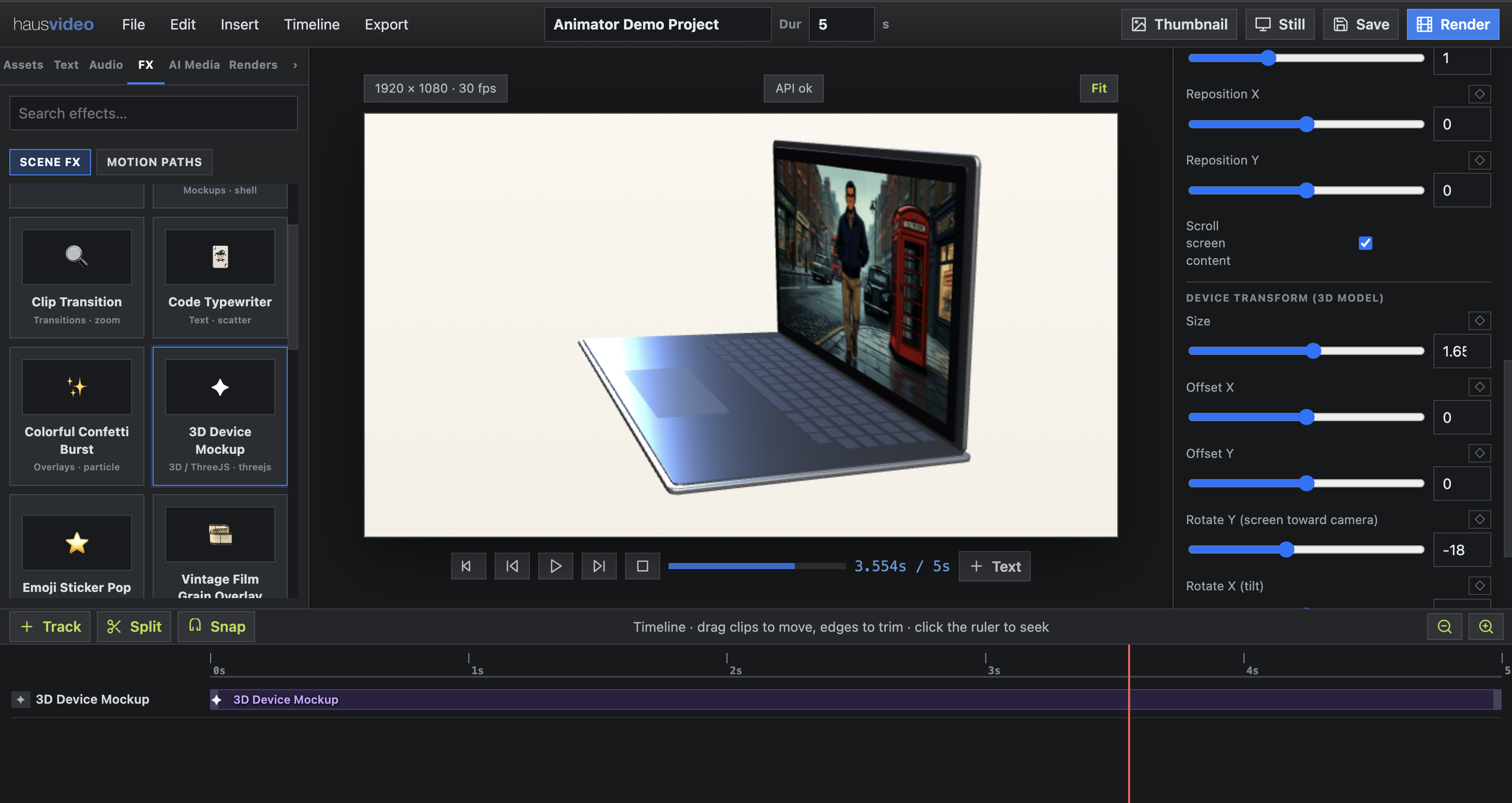
The new Three.js and WebGL effect brings motion-graphics device mockups directly into the editor. Place a web app inside an iPhone or laptop, keyframe the full scene, then spin, tilt, and reveal it without leaving the browser.
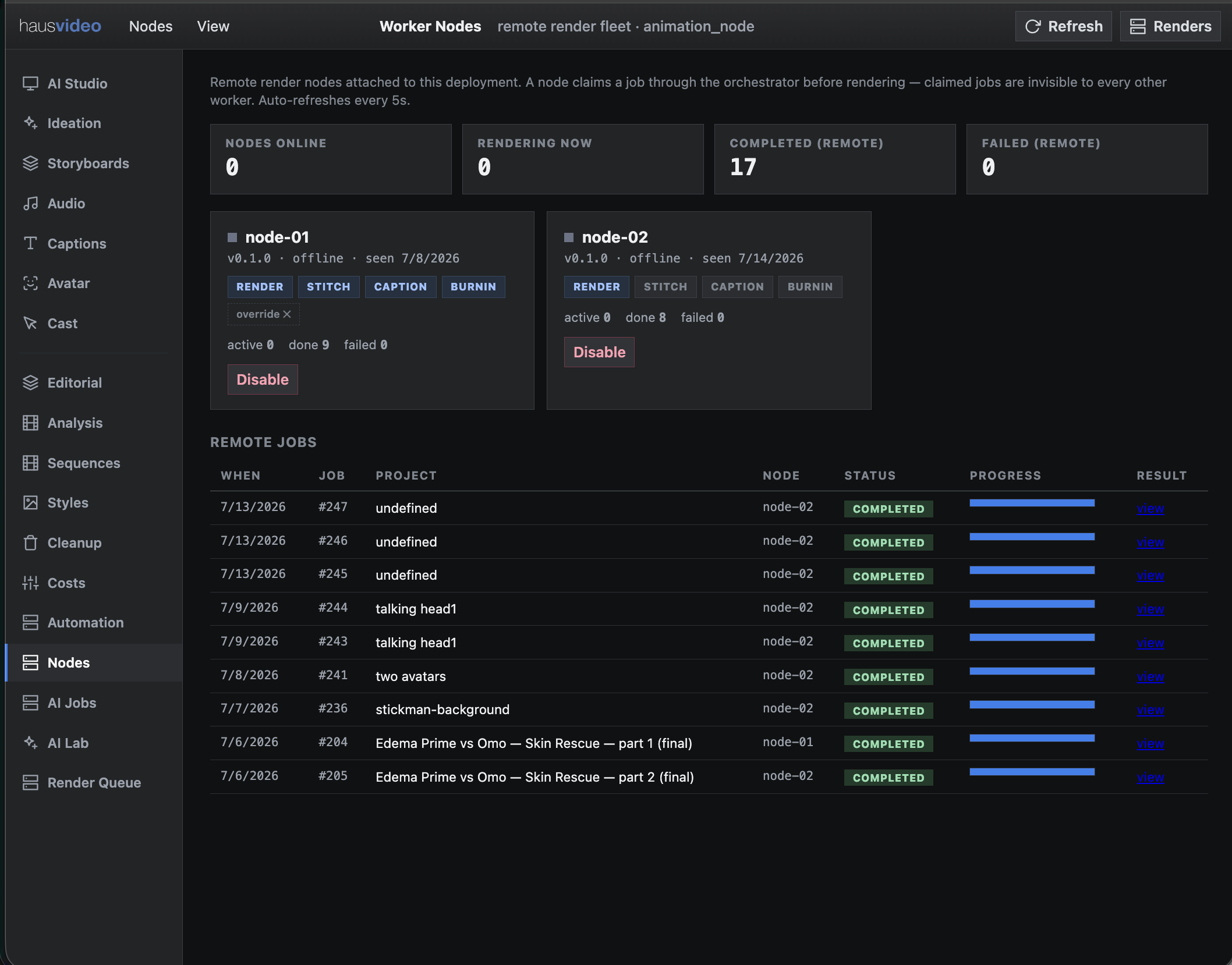
Add workers. Move faster.
Provision a worker, install the node service, and it registers with the parent system. The orchestrator distributes jobs across the fleet, while each node can advertise the capabilities it handles—from full renders and stitching to dedicated caption or burn-in work.